Ensure accurate orders with:

Digital Confirmation Screen

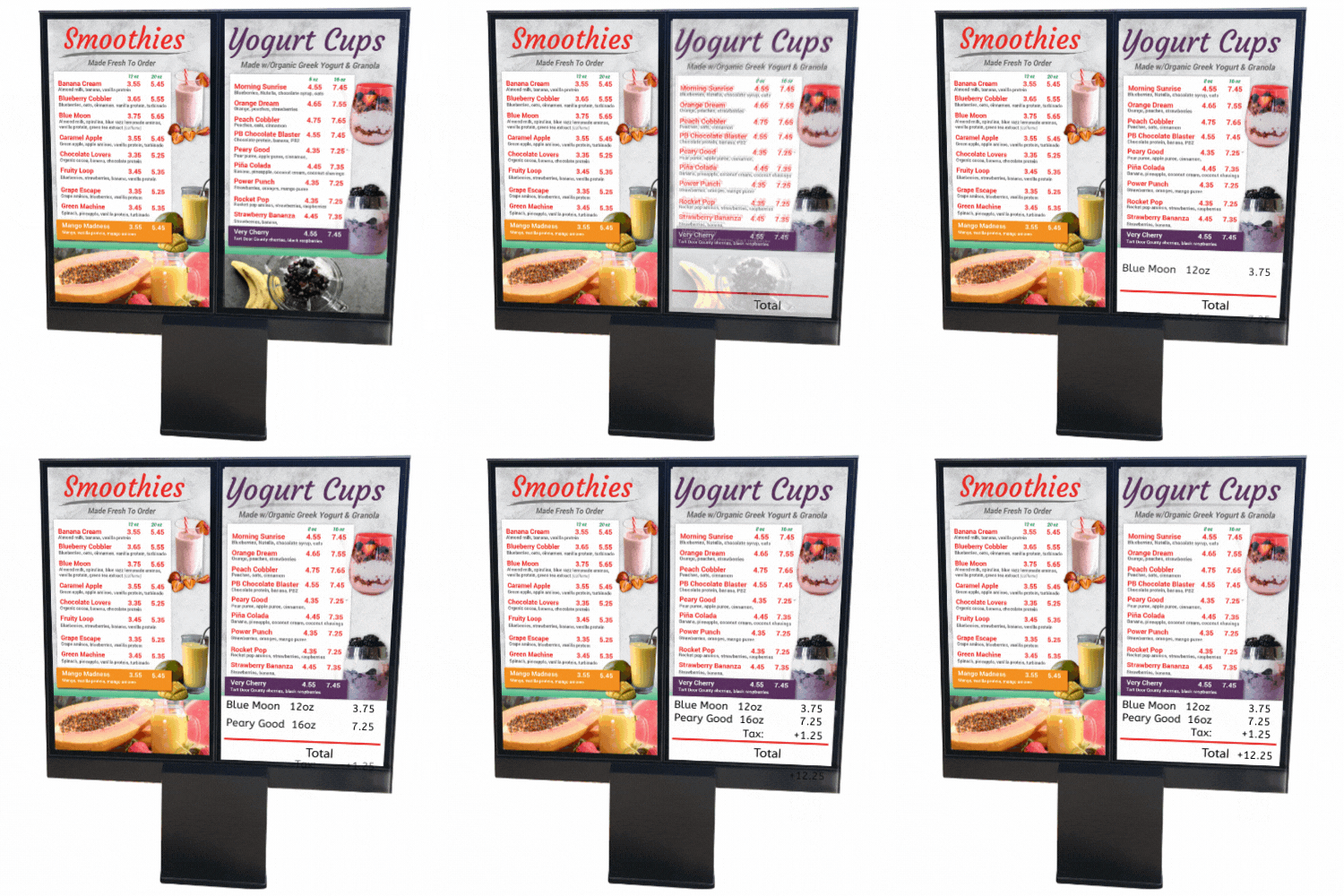
With the Drive-Thru Flex system, you can add a digital confirmation screen to help your guest review their orders for accuracy! The Howard Company provides a variety of designs for customizing your Order Confirmation Board:

    • Display LTO's or video as guest pull up
    • Showcase a LTO while guest order
    • Show a full screen order for guest to review
    • Display a message to remind your guest to return before pulling forward to retrieve their order!

Order Confirmation Link

Download Templates:

OCS Storyboard

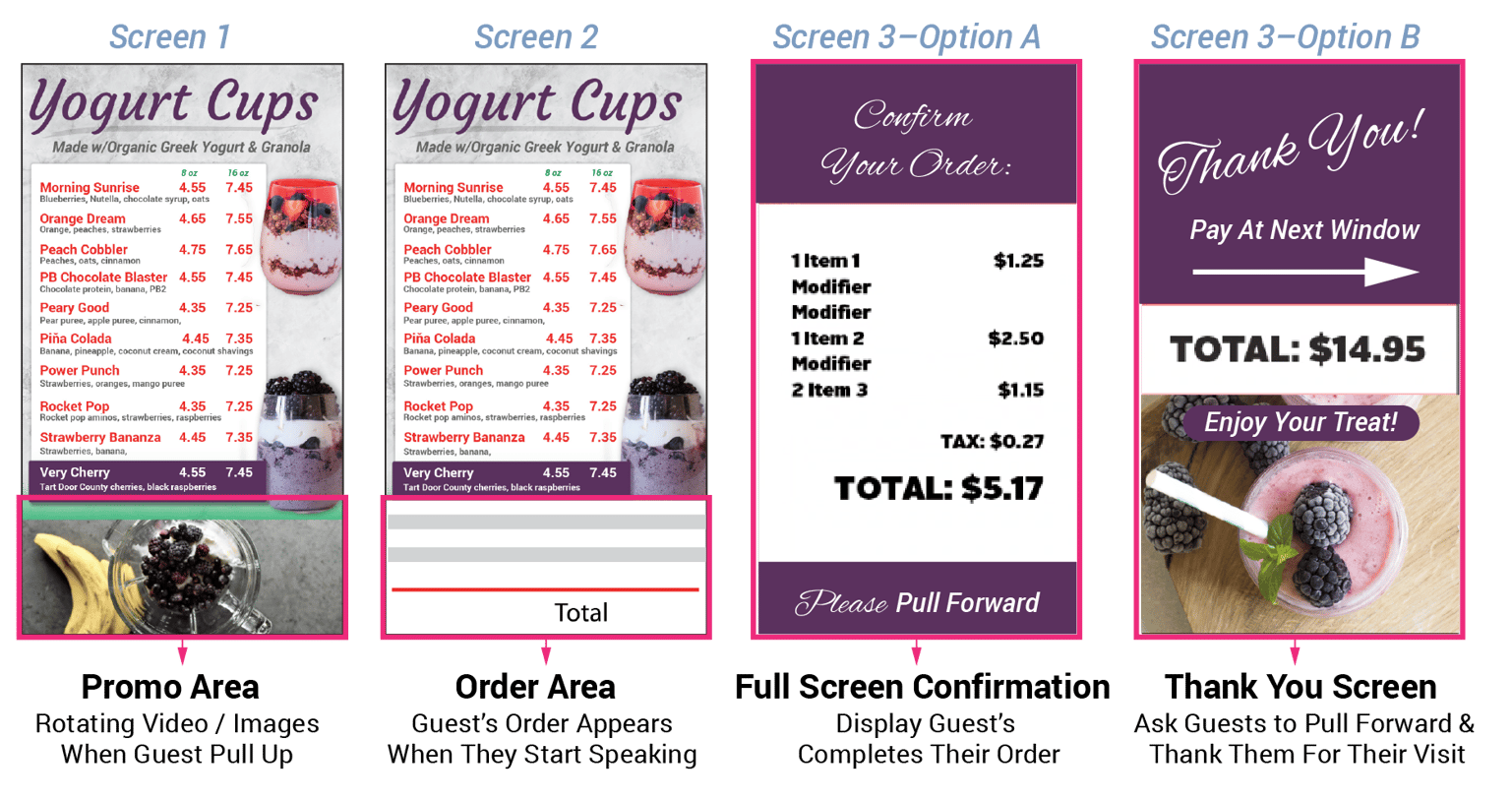
The Order Confirmation Screen comes with Three Templates that you can customize with your brand:
  1. Promo Area
  2. Order Area
  3. and a choice between Full Screen Confirmation or Thank you Screen
 

Promo Area

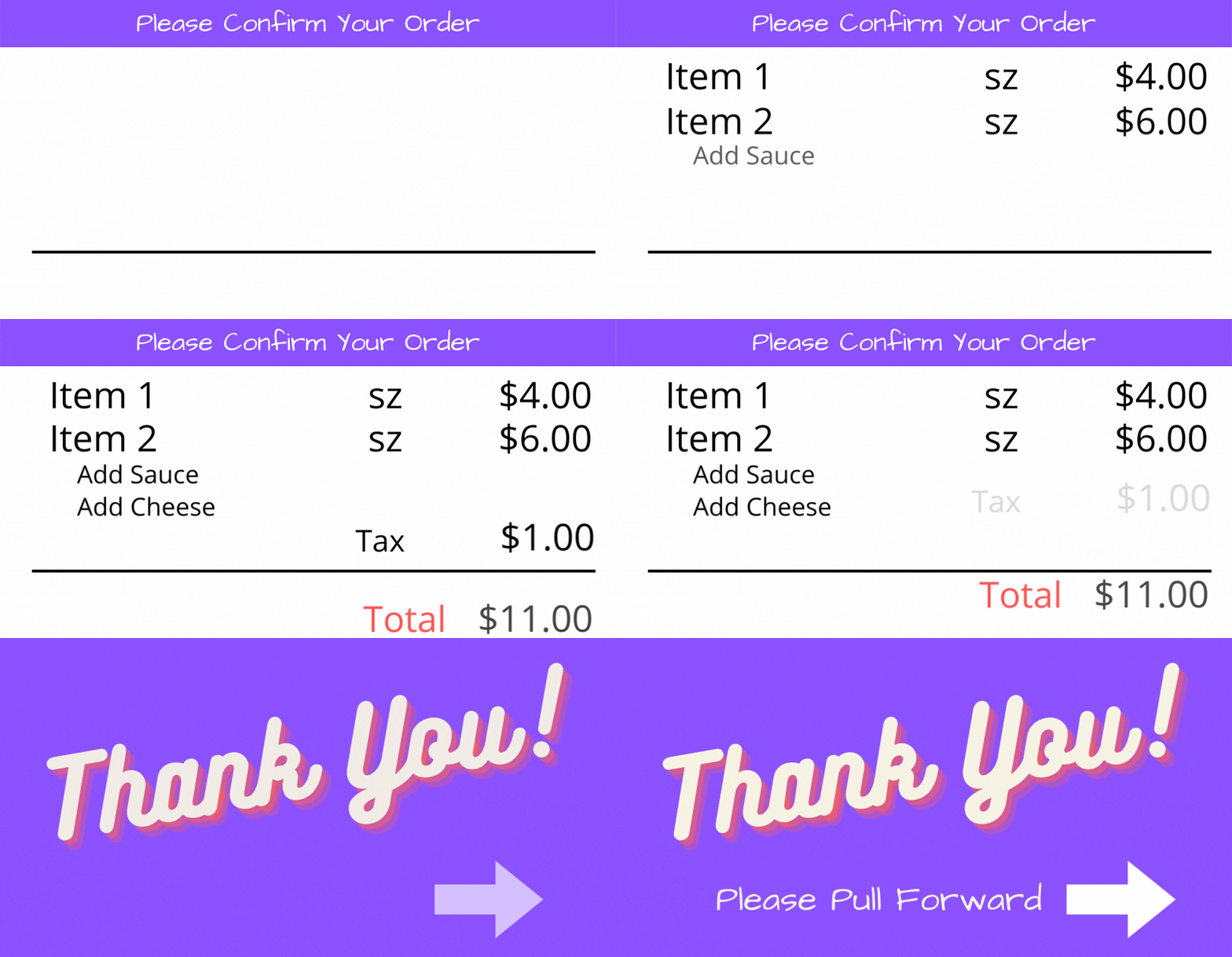
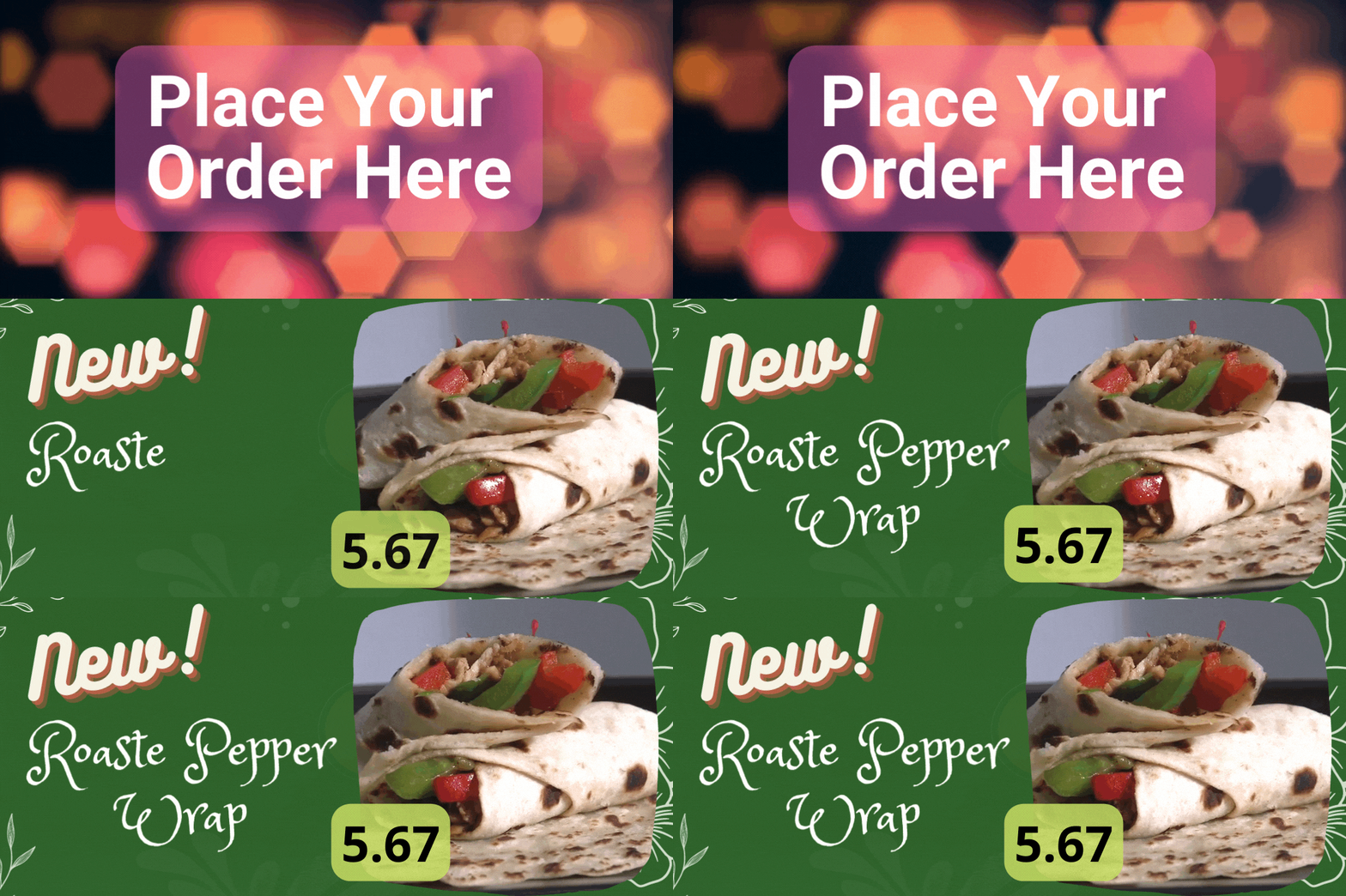
Incorporate a slide show of images, videos or static message before guests pull up. This area will transition to the order confirmation screen once they began their order. Click below for templates:

OCS Promo Area Example

Ordering Area

When the customer starts their order, the ordering area of the confirmation screen will appear. There's two template options that can be used here — one with an 80px hieght for a header (ie: Please review your order), or an option without the header. Click below for templates:

Please Confirm Your Order

Ordering Area With LTO

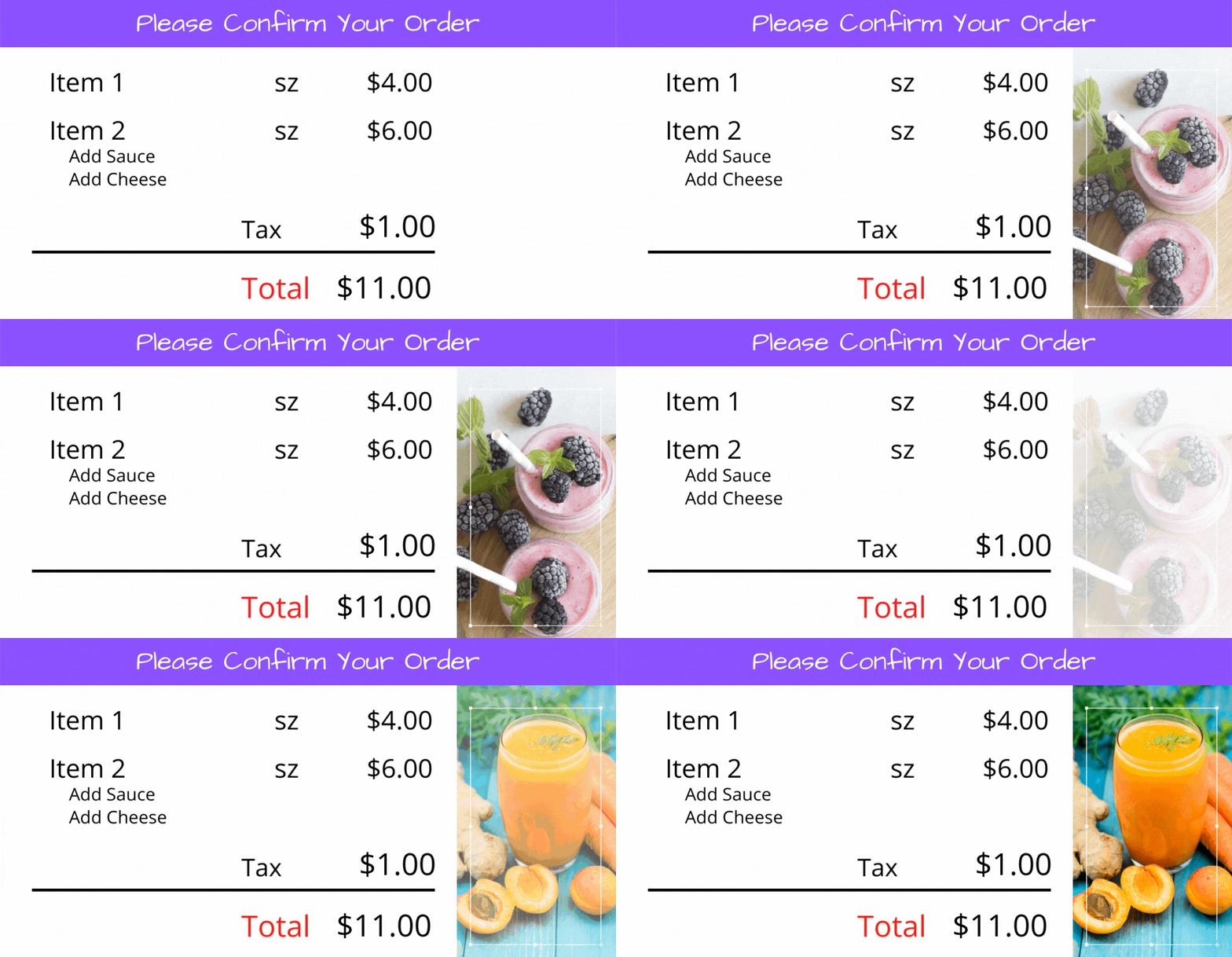
Want more opportunity to up-sell Limited Time Offers (LTO's) or specific popular items? Download these templates to showcase a video or LTO image that will display as your guest order! Click below for templates:

Order Confirmation with LTO

Full Screen Confirmation

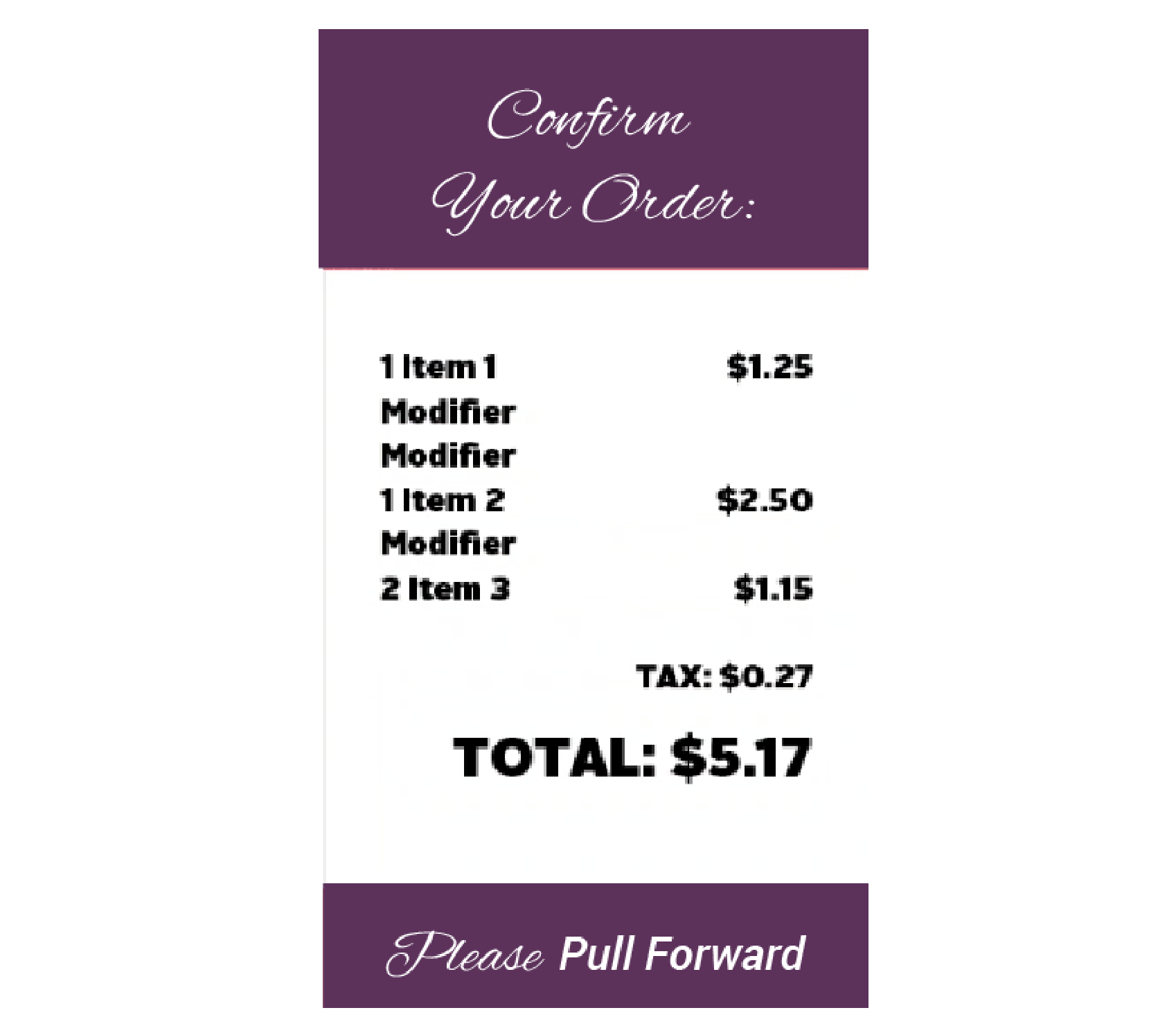
Customer's can review their final order with the full screen confirmation. They can review and confirm their order and then notified to pull ahead to pay..

Full Order Confirmation Screen