
Digital signage improves the bank branch experience by replacing static, print-based messaging with displays that update rates in real time, guide customers through lobbies and drive-up lanes, and cut recurring print costs. More than three quarters of consumers now prefer to manage their bank accounts digitally, according to Bankrate.
That number gets quoted as evidence that the branch is dying, but it actually means the opposite. When a customer walks into a branch or pulls into a drive-up lane today, it's because something matters: a mortgage, a business loan, a problem to solve, a decision that deserves a conversation. The branch visit has become higher-stakes, not lower.
Digital signage has become the most practical first step in branch modernization, not because screens are impressive, but because they change what a branch can say to a customer, and when. Here's how it works, what it costs, and what to think about before deploying it.
What Does Digital Signage Do in a Bank Branch?
Each display replaces a slower, more expensive communication channel:
-
Rates and promotions in real time. When mortgage rates shift or an IRA deadline approaches, the message updates across every branch in minutes.
-
Shorter perceived waits. Customers engaged with relevant content wait more patiently. Industry research consistently shows digital content reduces perceived wait time in queue-heavy environments like teller lines.
-
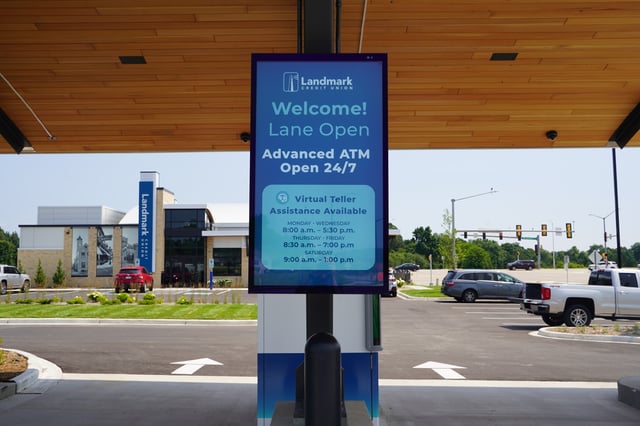
Wayfinding and lane guidance. Displays at entrances and drive-up lanes direct customers to the right place and explain new technology, which is increasingly important as branches add Interactive Teller Machines (ITMs) and self-service options.
- Brand consistency across every location. One content library, one schedule, every branch showing the same current message, whether the institution has 3 branches or 3,000.
- Lower recurring costs. Every rate change and seasonal campaign that used to require a print order now takes a few minutes in the content system. The cost doesn't disappear (someone still builds and schedules the change), but the spend shifts from print vendors and truck rolls to a small amount of staff time.
The engagement research backs this up. A benchmark Arbitron study from 2010, still widely cited across the industry, found that 47% of viewers recalled the specific message they saw on a digital display. Industry roundups also report that digital signage captures roughly four times more views than static signage.
Inside the Branch: Lobbies, Teller Lines, and Video Walls
Indoor signage does its best work where customers pause: the lobby, the waiting area, the teller line. A single well-placed display can rotate rates, community messages, and product education through the day: financial literacy content in the morning, promotion of an upcoming CD special in the afternoon.
Scheduling by daypart keeps content relevant instead of repetitive. It works best when it's built on real visit patterns: who is actually standing in your lobby at 10 a.m. on a Tuesday versus noon on a Friday.
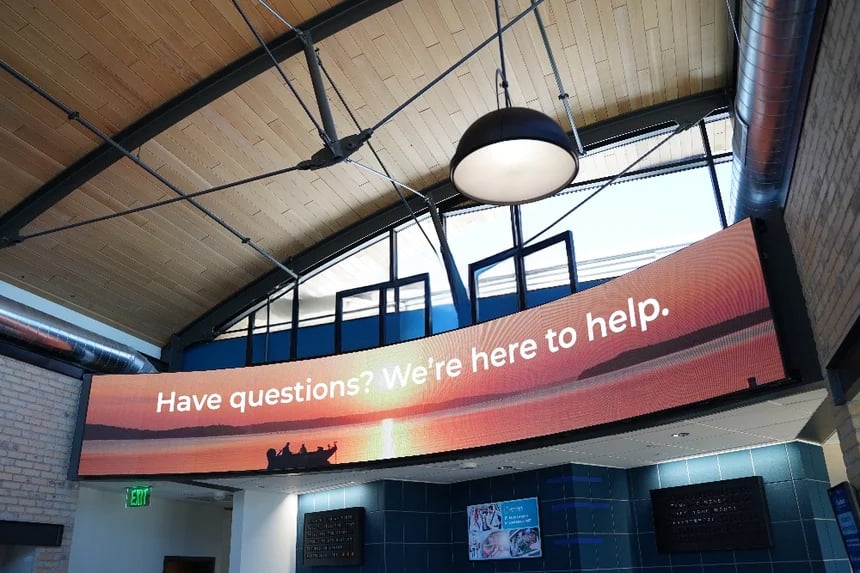
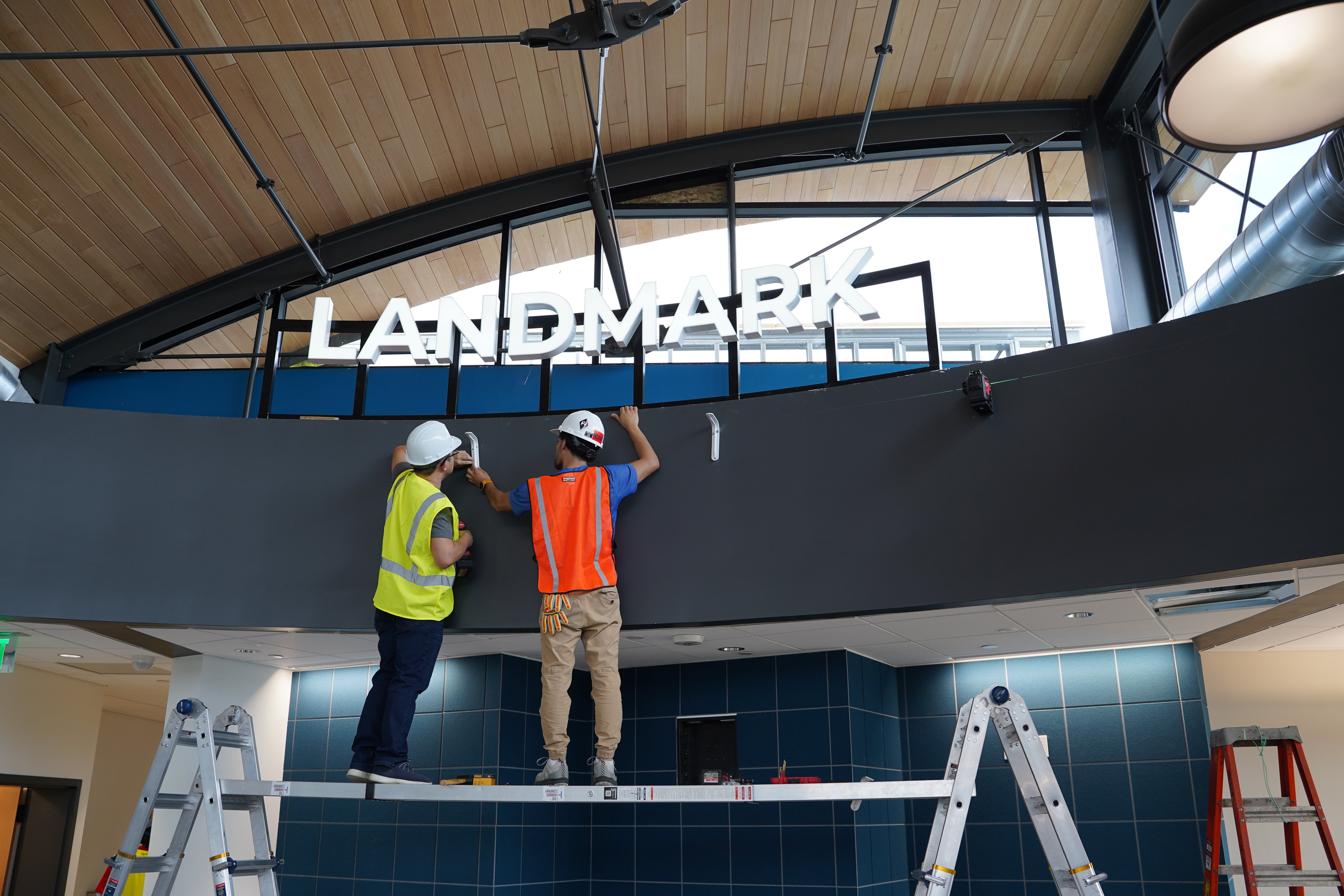
For larger lobbies, video walls and direct-view LED (DVLED) create a centerpiece rather than a bulletin board. Unlike tiled LCD walls, DVLED has no bezels. The panels form one seamless canvas. When Landmark Credit Union in Wisconsin modernized its branch experience, the project centered on a 33-panel DVLED wall (2.5mm pixel pitch, synchronized to run as a single display).
The credit union reported the changes it was after: real-time member messaging, stronger engagement with services members hadn't come in for, an end to reprinting static signage, and displays that help direct branch traffic at peak hours.
One planning note that applies to any indoor deployment: commercial-grade displays matter. Consumer TVs aren't built for 12-plus hours of daily operation, lack the brightness control for sunlit lobbies, and typically void their warranties in commercial use. Commercial panels cost more upfront and last years longer.
Outside the Branch: Drive-Up Lanes
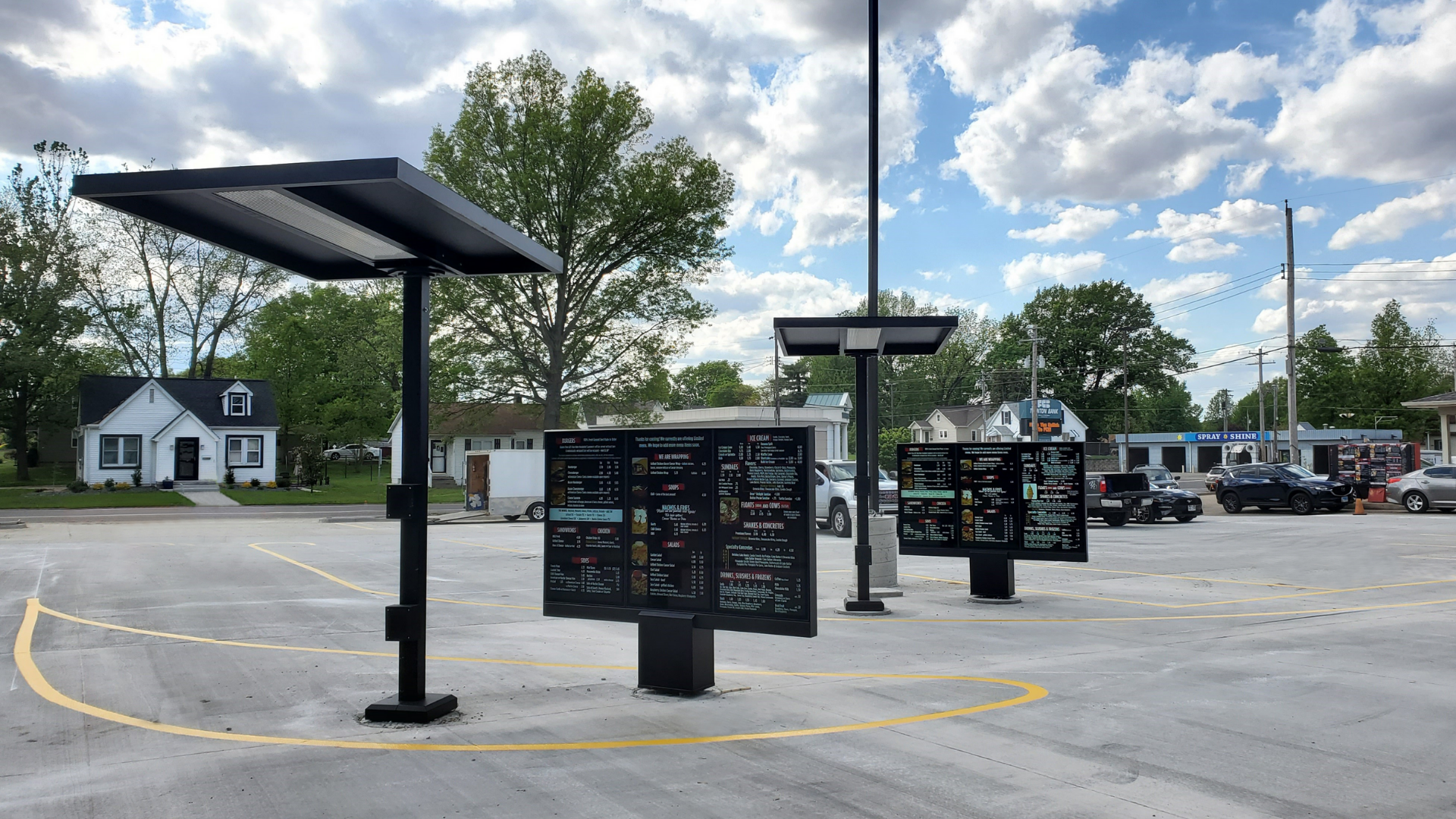
The drive-up lane is the highest-frequency customer touchpoint at most branches, and usually the least communicative. A customer might roll through weekly for years and never see anything but a static clearance sign. Outdoor displays at the drive-thru entrance change that: they can greet customers, promote a current offer, post weather or closure notices, and guide vehicles to the correct lane.
Digital drive-up lanes also solve a newer problem:
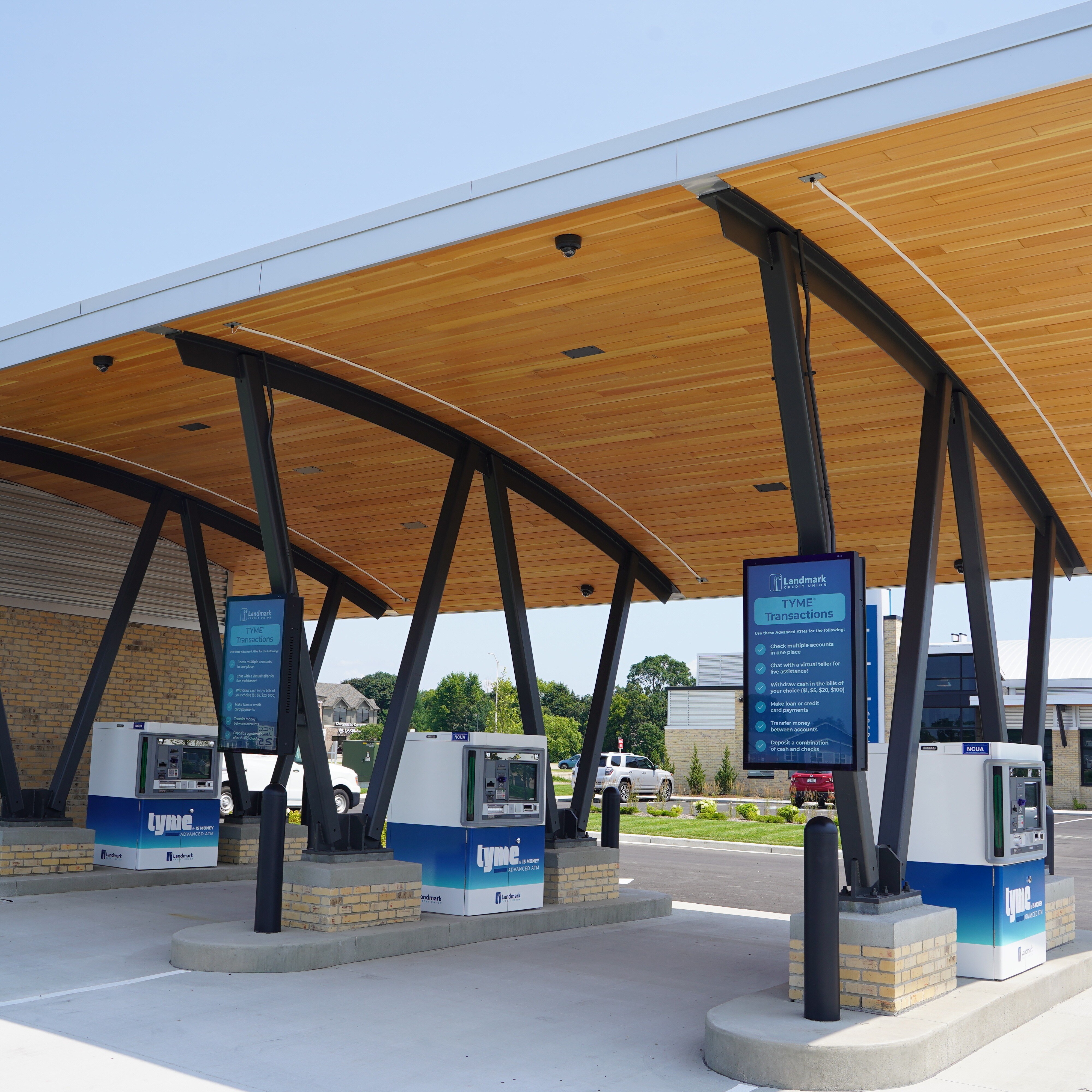
Explaining technology change at the exact moment customers encounter it. Peoples Bank & Trust, a community bank with 13 branches across central Illinois, invested $400,000 in ITMs, machines that let customers make deposits, pay loans, and talk to a live teller by video from the lane. The bank deployed 18 outdoor displays across all 13 branches specifically so customers approaching the lanes would learn what the new machines do and be reassured that live-teller help was still available. The economics compared favorably with what the bank had been spending: newspaper ads at $300–$350 each and digital billboards at $650–$700 per month per location, none of which the bank controlled directly.
.png?width=431&height=431&name=Untitled%20design%20(1).png)
Outdoor deployments have their own requirements worth understanding early: displays bright enough to read in direct sunlight (typically 2,500+ nits), weatherized enclosures rated for temperature extremes, and mounting heights that account for vehicle clearance. These details make or break an installation in a Midwest winter or a Southwest summer.
The Content Management System Is Half the Decision
Hardware gets the attention, but the content management system (CMS) determines whether digital signage stays useful after the novelty wears off. The CMS is the dashboard where content is created, scheduled, and pushed to every display. It's what allows one marketing person (or an outside agency) to run messaging for an entire branch network.
Questions worth asking about any CMS:
-
Can content be scheduled by daypart, by branch, and by campaign, or is it one loop everywhere?
-
Can rate changes be pushed to all locations at once, immediately?
-
Does it support triggered content, like automatic weather closures or holiday notices?
-
Will your team be trained to run it independently, or will every change require the vendor?
There are many capable platforms on the market, and the right fit depends mostly on how hands-on your marketing team wants to be. Whoever installs your displays, insist on CMS training as part of the project. Content independence is the difference between signage that stays current and signage that fossilizes.

Digital Signs That Don't Change Are Just Expensive Signs
The hardware and the CMS are only tools. What separates signage that earns its keep from signage that becomes lobby wallpaper is a content strategy, a deliberate answer to three questions: who visits this branch, when do they visit, and what would actually help them while they're here?
-
Map who visits, and when. A Saturday-morning crowd is not a Tuesday-at-2-p.m. crowd. Retirees mid-morning, small-business owners around lunch, payday traffic on Friday afternoons. Each daypart is a different audience, and tellers and branch managers already know these patterns. Build the content calendar around them.
-
Categorize your business customers. The restaurant owner dropping the day's cash at the night depository at 11:30 p.m. is telling you something: that's a customer to reach with messaging about cash-handling services, remote deposit, or a working-capital line, timed to the hours they actually visit. Merchants, contractors, farmers, nonprofits: each segment shows up at predictable times with predictable needs.
-
Tie messages to financial objectives, not products. Customers don't come in wanting a HELOC; they come in wanting to renovate a kitchen, send a kid to college, or expand a business. Content that starts from the customer's objective outperforms a rotating list of rates.
-
Set return-on-objective (ROO) measures before launch. ROI tells you what the screens saved; ROO tells you whether the content works. Decide up front what each campaign should move (product inquiries, ITM adoption, appointment bookings, IRA contributions ahead of the deadline), then review and refresh content against those measures. A screen nobody updates measures nothing.
What It Costs and What It Replaces
As a rough budgeting guide from recent banking deployments:
Installation drives a big share of that number: site surveys, electrical work, weatherized mounting, and scheduling across locations. The display hardware alone can start around $4,500, but that figure leaves out installation, and almost no bank deployment does. The per-display cost comes down when several displays share one site survey and installation visit.
Planning a Deployment: Where to Start
-
Audit the customer journey first, not the screen catalog. Walk your branch as a customer: what do they see in the lobby, at the teller line, in the lane? Signage should answer questions customers actually have at each point.
-
Start where frequency is highest. If most customer contact happens in the drive-up, that's the first screen, not the boardroom's favorite lobby wall.
-
Plan the rollout like a program, not a purchase. Multi-branch deployments involve site surveys, local electrical work, network connections, and installation scheduling. A multi-branch rollout can go live in a few months when it's coordinated, or drag for a year when it isn't.
-
Decide who owns content before the screens arrive. The institutions that get the most from signage assign clear ownership: a marketing lead or agency with a content calendar, not “whoever has time.”
-
Ask about support up front. Displays run 12+ hours a day, every day. Know who monitors them, who handles warranty service, and what happens when a screen goes dark on a Friday.
The Bottom Line
Branch modernization is a journey, and digital signage is its most accessible on-ramp: visible to every customer, measurable in cost savings, and deployable across a branch network in months rather than years. The institutions getting the most from it treat it as a communication program (clear content ownership, the right CMS, and hardware suited to each environment) rather than a hardware purchase.
The Howard Company has built branch signage programs for financial institutions and multi-location brands for more than 75 years. The Landmark Credit Union and Peoples Bank & Trust projects referenced above are documented in our case study library here!
Frequently Asked Questions

SHARE